Online Tenant Applications
Every property in Kelpic® gets its own public listing page with floor plans, photos, virtual tours, and a shareable Apply Now link. Prospects walk through a guided 10-step application — and the structured data lands directly in your dashboard.
No credit card to start. Spin up a listing in minutes.
- Per-property shareable URL
- Saves as the applicant goes
- One account across every Kelpic® property
- Structured data straight into a lease
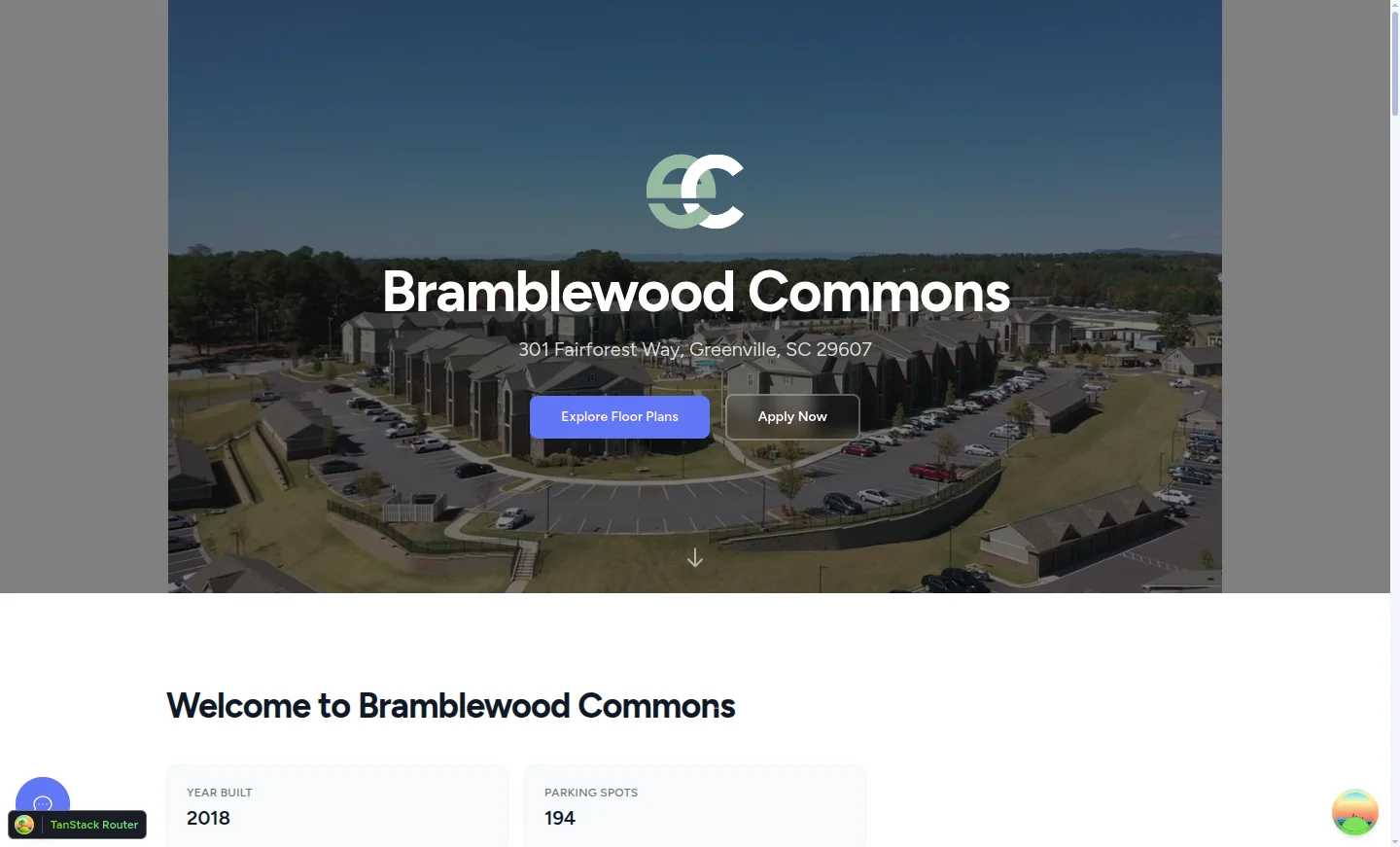
Public property page — live at kelpic.com/properties/your-slug
The listing page
A real leasing site, not a tenant-portal afterthought.
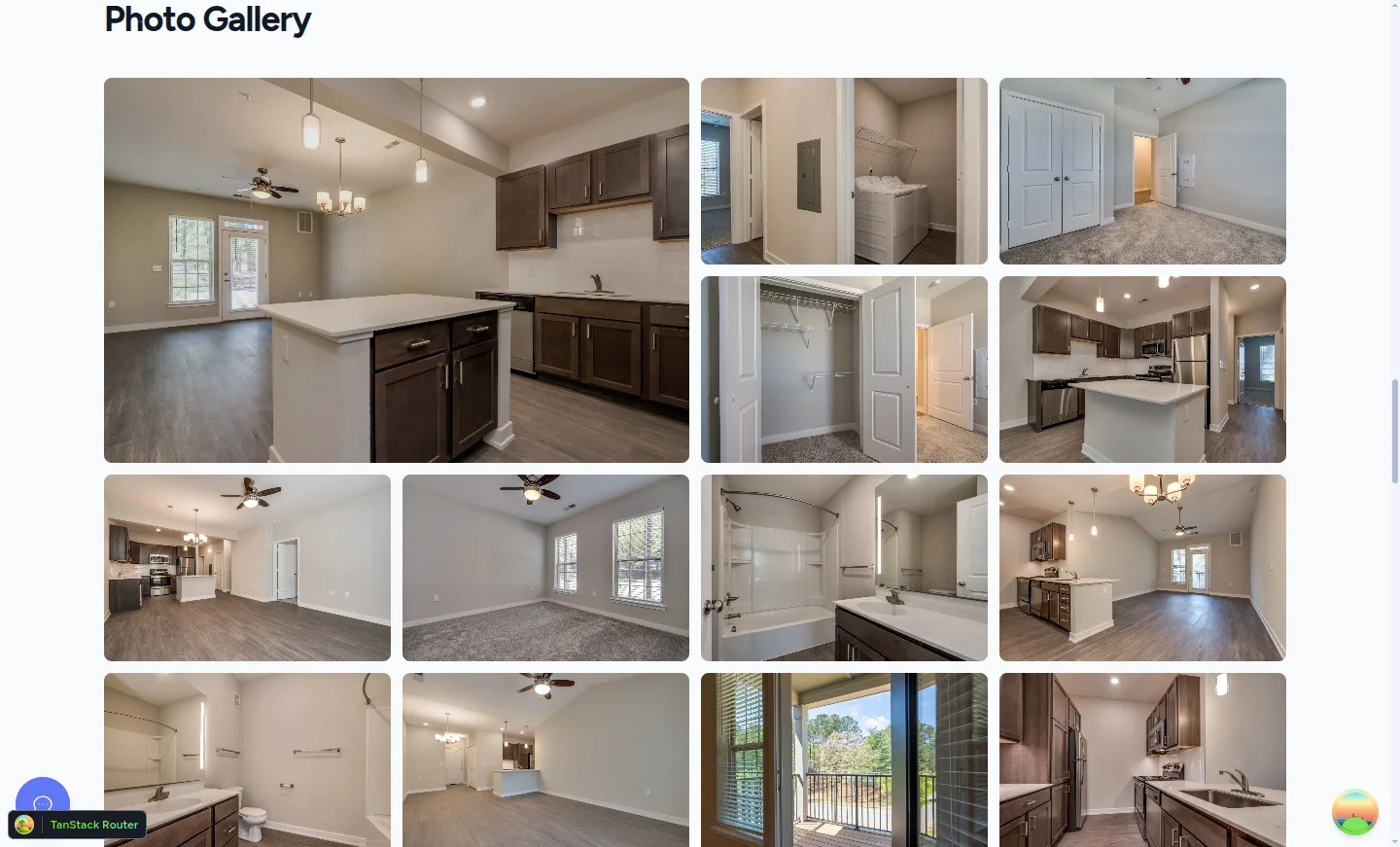
Floor plans with per-term pricing, Matterport virtual tours, photo galleries, community amenities, and named team members — all live off the same property data you already maintain. No separate website to build.
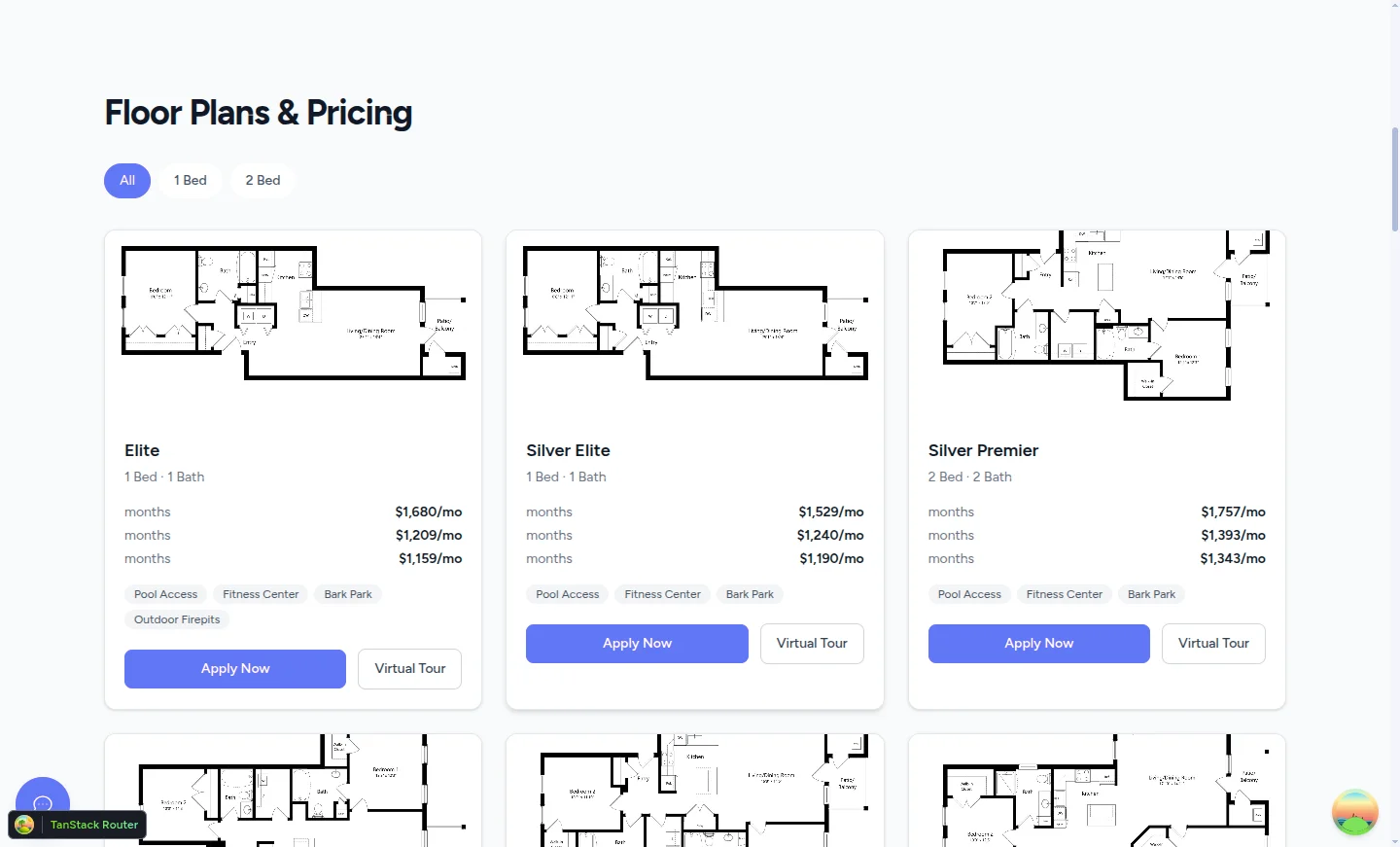
Floor Plans & Pricing — per-term pricing, virtual tours, per-unit amenities

Shareable URL
Paste into Craigslist, send via text, hand to a prospect.
Matterport tours
360° virtual tours linked per floor plan and per unit.
Always in sync
Edit the property, the listing updates. No separate publish step.
EHO by default
Equal Housing Opportunity badge on every property page footer.
From "Apply Now" to submitted
One account. Every Kelpic® property.
Prospects create an account in a single screen and land in the Applicant Portal. Apply to as many Kelpic® properties as they want without re-entering their personal info each time.
Start anywhere, finish anywhere
Applications persist between sessions. Start on a phone over lunch, finish on a laptop that evening.
Continue where they left off
Every in-progress application is one tap away. No "where did I leave off" hunt.
No verification gate
Account creation drops the prospect straight into their application — no email link to chase before they can start.
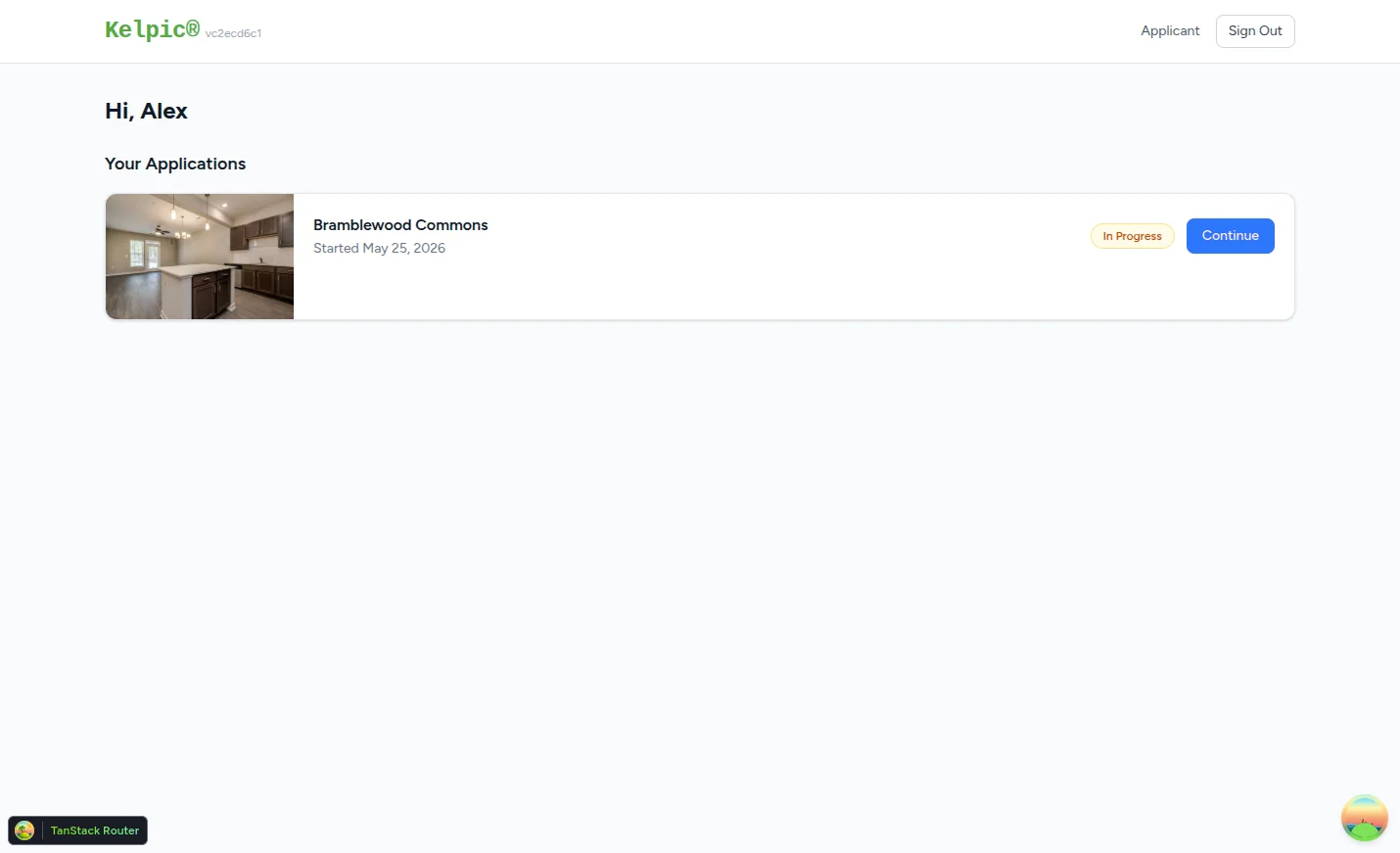
Applicant Portal — every application, every property, one place
The 10-step wizard
A guided application that saves as they go.
The stepper is always visible. Completed steps get a green check, missing-info steps get flagged, and Submit only activates once the live checklist is clean.
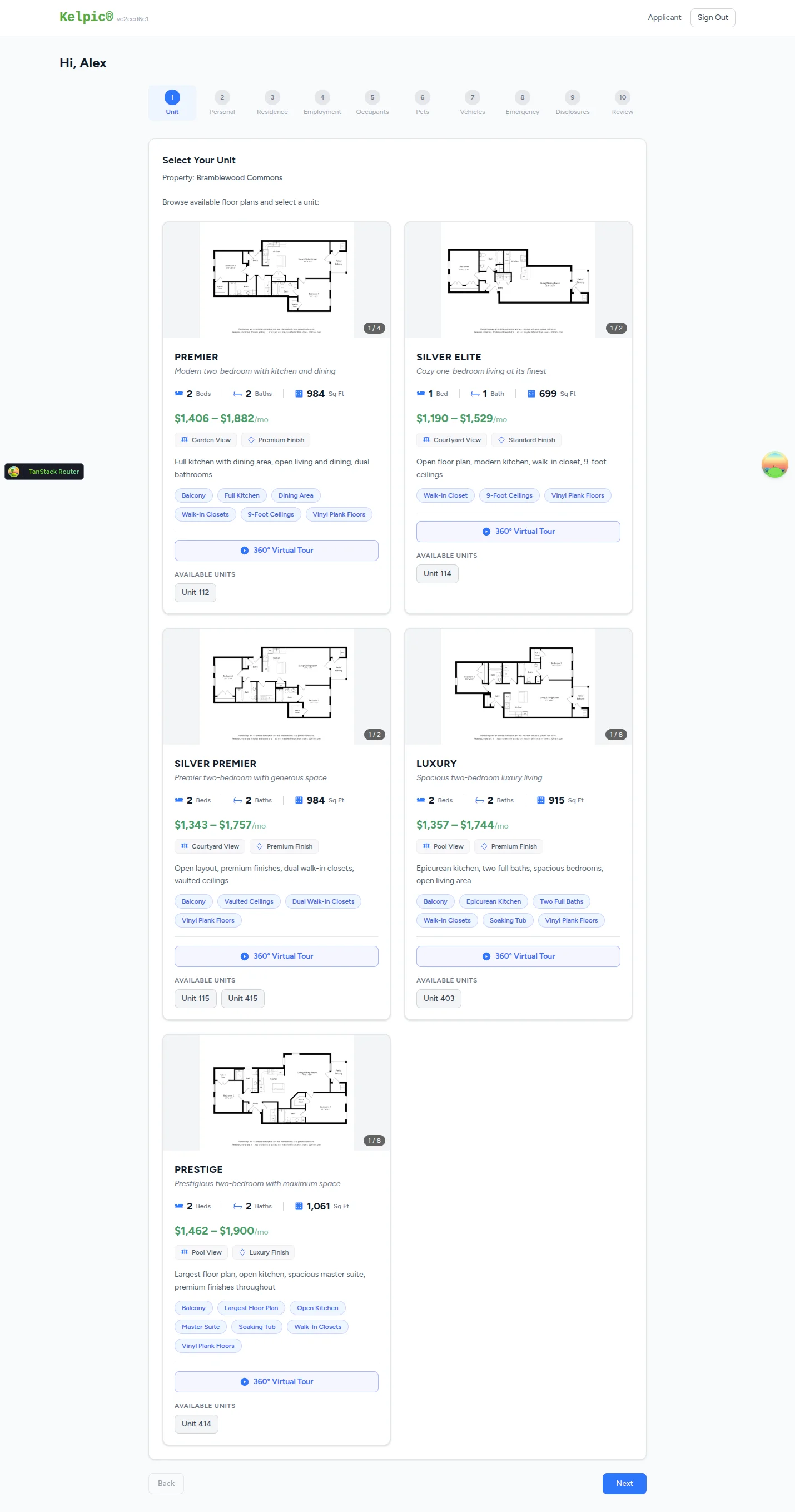
Step 1 — Select Your Unit
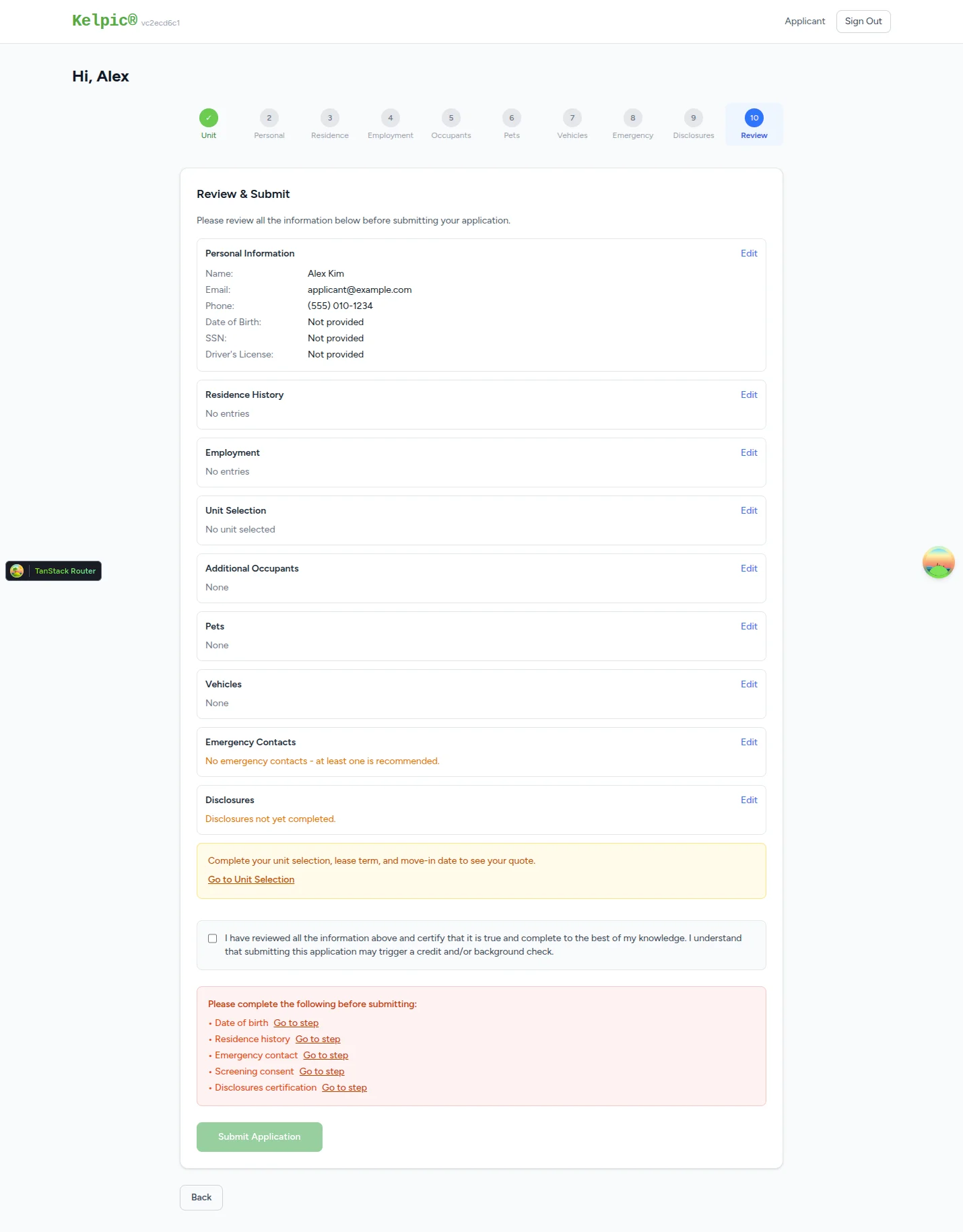
Step 10 — Review & Submit
For property managers
Structured data in. Structured data out.
You never retype an applicant's information. Approved applications roll directly into a lease — no copy-paste, no scanning paper forms.
Complete records on submit
Every applicant arrives with structured personal info, residence history, employment, occupants, pets, vehicles, emergency contacts, and required disclosures — already validated.
Straight into a lease
Approve, and the applicant's data populates the lease. No reconciliation between an application file and the lease record.
Screening consent built in
The Disclosures step captures statutory disclosures plus your screening consent — ready for a credit and background check.
One house. Or a hundred units. Same flow.
You don't pick a different software path per property type. Add the floor plans and units that exist; the public listing and applicant experience adapt.
Single-Family
One floor plan, one unit. Same wizard captures lease term and move-in date.
Duplex / Fourplex
Two to four floor plans, one unit each. Applicant picks the side.
Apartment Community
Many floor plans, many units per plan, with 1-Bed / 2-Bed quick filters.
Townhouse / Condo
Per-unit features capture end-unit vs interior, finish levels, and more.
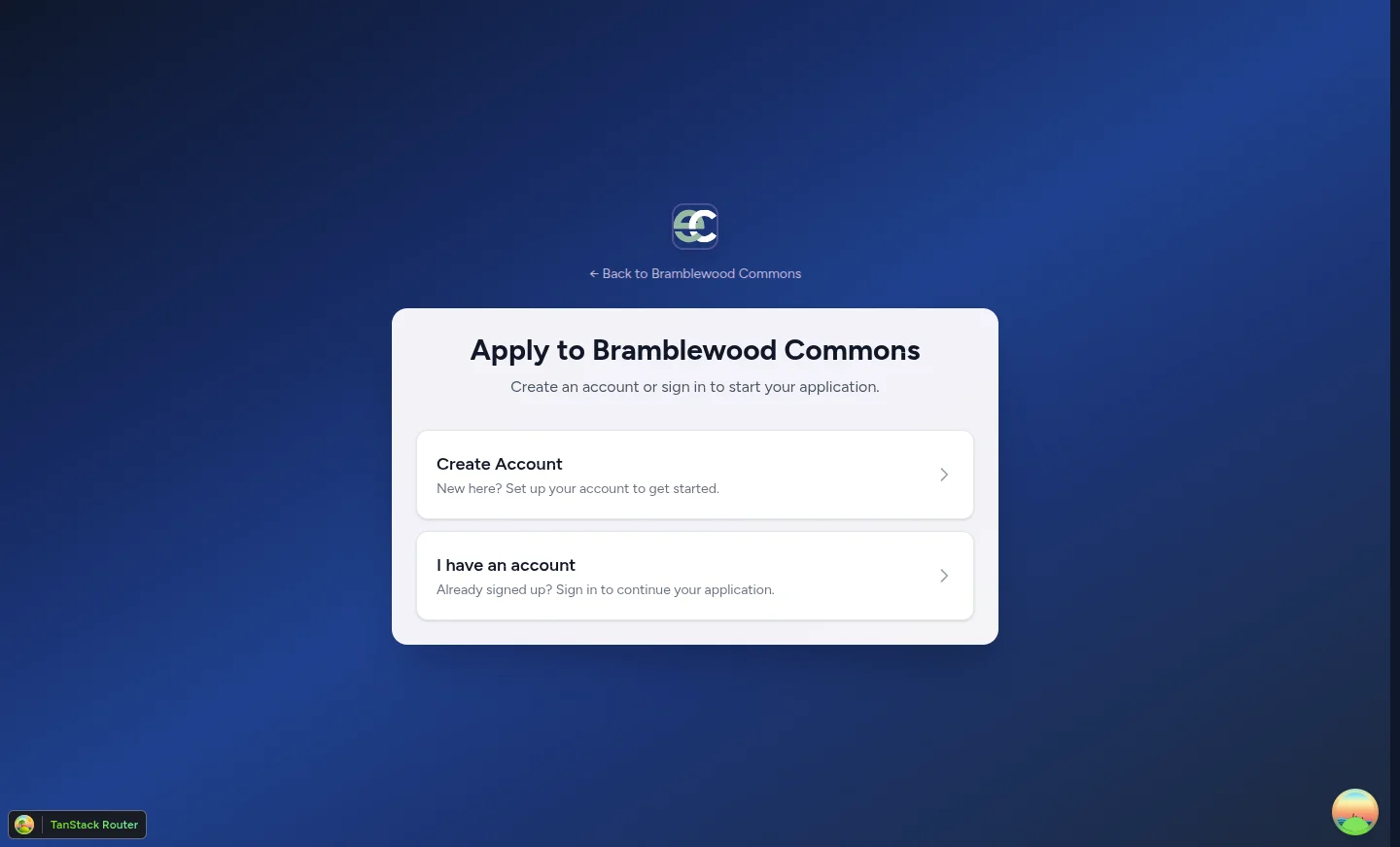
/apply/your-slug — your property's photos, your brand
Your brand, front and center
Your property. Your photos. Your people.
Property logo, hero video, photo gallery, named team members. Kelpic® shows up only in the small Powered by Kelpic® footer link — the rest of the page is yours.
- Property-specific logo, hero video, and photo slideshow on the Apply page.
- Show or hide team members per property — leasing agents up front, maintenance behind the scenes.
- Floating contact widget so prospects can ask a question without leaving the page.
Review applications on the go.
Kelpic's native iOS app puts your applicant queue in your pocket. Approve, deny, or request more info from the line at the coffee shop.
Ready to give every property a real listing page?
Start a free trial of Kelpic®. Spin up your first property, share the Apply Now link, and receive a complete, structured application.
Kelpic is a registered trademark of Kelpic LLC.