The Property Management System, Explained — and Modernized
A property management system is the software that runs a rental business: rent, leases, maintenance, applications, and reporting in one place. Here is what a PMS actually does — and why Kelpic® rebuilt it for landlords with 1–50 units instead of 10,000.
No credit card required · See pricing
Not ready to start? Get product updates.
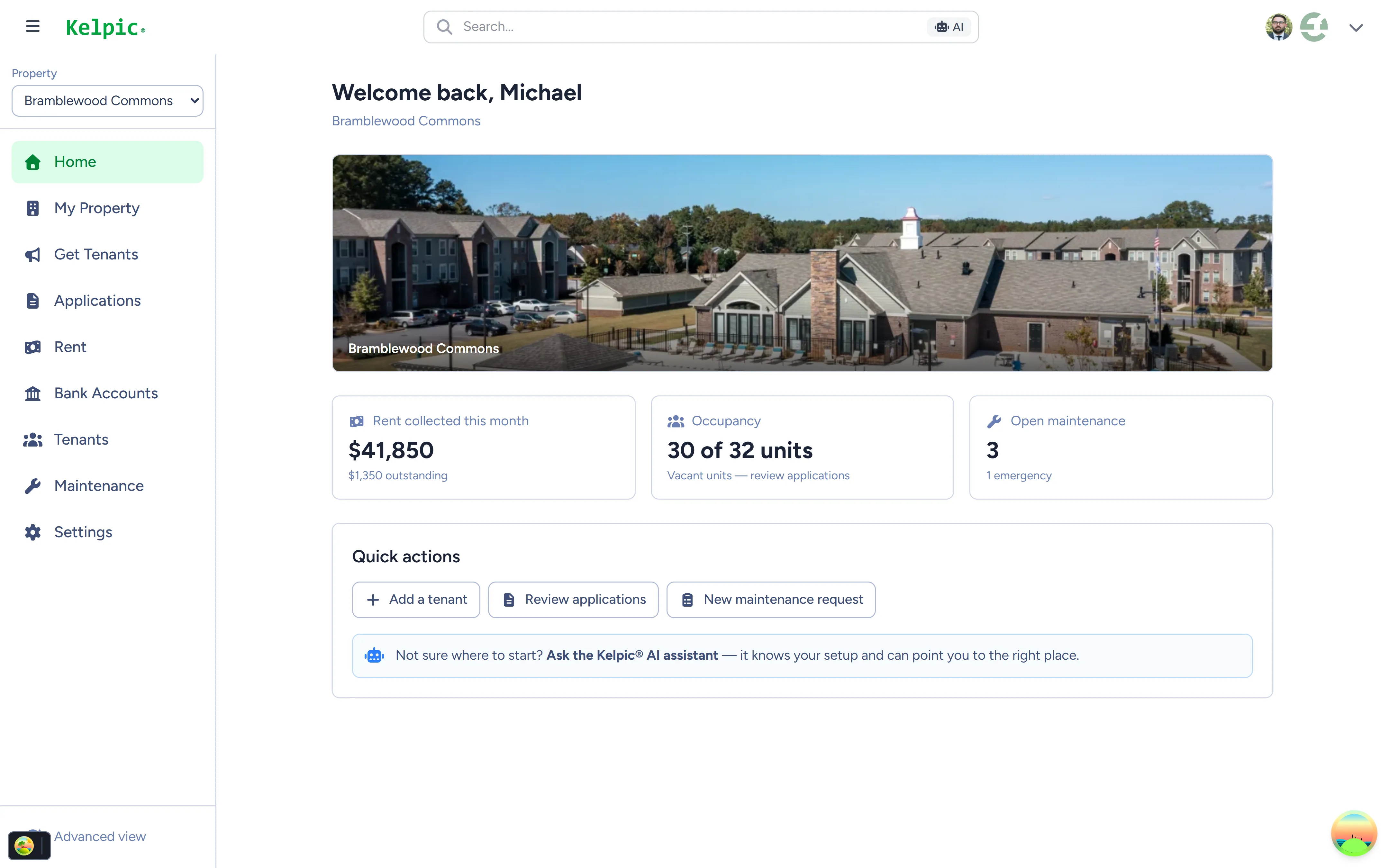
A modern property management system — rent, occupancy, and maintenance in one view.
What a Property Management System Does
Whatever the vendor, a property management system is built from the same core modules. Each one replaces a manual process — a spreadsheet, a text thread, a shoebox of receipts — with a single system of record.
Rent & Payments
Tenants pay online, payments post automatically, and you always know who has paid and who is late. This module alone is why most landlords adopt a system — no more chasing checks or reconciling by hand.
Leases & Tenancy
Every unit, tenant, lease term, and renewal date in one place. The system knows which leases are ending, which units are vacant, and which tenants live where — so you do not have to remember.
Maintenance
Tenants submit requests, you track them from open to resolved, and the history stays attached to the unit. Over time that history tells you which problems keep coming back — and what they cost.
Applications & Leasing
Prospects apply online instead of emailing PDFs. Applications land in a queue where you can review them and move approved applicants into a unit without re-typing their information.
Communication
A tenant portal gives residents a place to pay, submit requests, and see their lease information — which means fewer calls and texts for routine questions, and a record of what was said.
Reporting
Because all of the above lives in one database, the system can answer questions your spreadsheet cannot: collection rates, occupancy, maintenance spend by unit, and how the portfolio is trending.
Legacy Systems vs. Modern Systems
The property management system category was defined by enterprise platforms. They are genuinely powerful — and genuinely built for a different customer than you.
Built for thousands of units
Platforms in the Yardi and RealPage class were designed for institutional portfolios — and to be fair, they handle that scale well. But the design decisions that serve a 10,000-unit operator work against a small landlord:
- Complexity as a feature. Deep configurability means dedicated administrators, training programs, and modules you will never open.
- Per-unit pricing with minimums. Pricing models built for scale often make small portfolios pay enterprise rates per door — or fail to meet monthly minimums entirely.
- Sales-led onboarding. Demos, contracts, and implementation timelines before you ever touch the product.
Built self-serve, for portfolios like yours
A newer generation of systems — Kelpic® among them — starts from the opposite assumption: the operator is one person or a small team, and the software should work on day one without an implementation project.
- Sign up and start. Self-serve setup measured in minutes, not implementation phases.
- Flat, transparent pricing. Kelpic® charges one flat monthly price for your unit band — starting at $8.99/month — not a per-door rate with minimums.
- The core modules, without the bloat. Rent, maintenance, applications, tenant portal, and reporting — the parts of a PMS a 1–50 unit portfolio actually uses.
Kelpic®: A Property Management System for 1–50 Units
Every module a property management system needs, engineered for small portfolios — and for speed.
Online rent collection through Stripe.
Tenants pay by card or bank transfer and payments are tracked automatically in your dashboard. Learn more
Real-time maintenance with unit repair history.
Every request tracked from submission to completion, with the full repair history kept at the unit level — so recurring problems surface before you pay to fix them again.
Built-in inventory management.
Track the parts, materials, and appliances used in maintenance, so you know what is installed in every unit and what it cost.
Tenant portal and online applications.
Tenants pay rent, submit requests, and view lease details in their own portal; prospects apply directly through your property listing page. Tenant portal · Applications
Native iOS app.
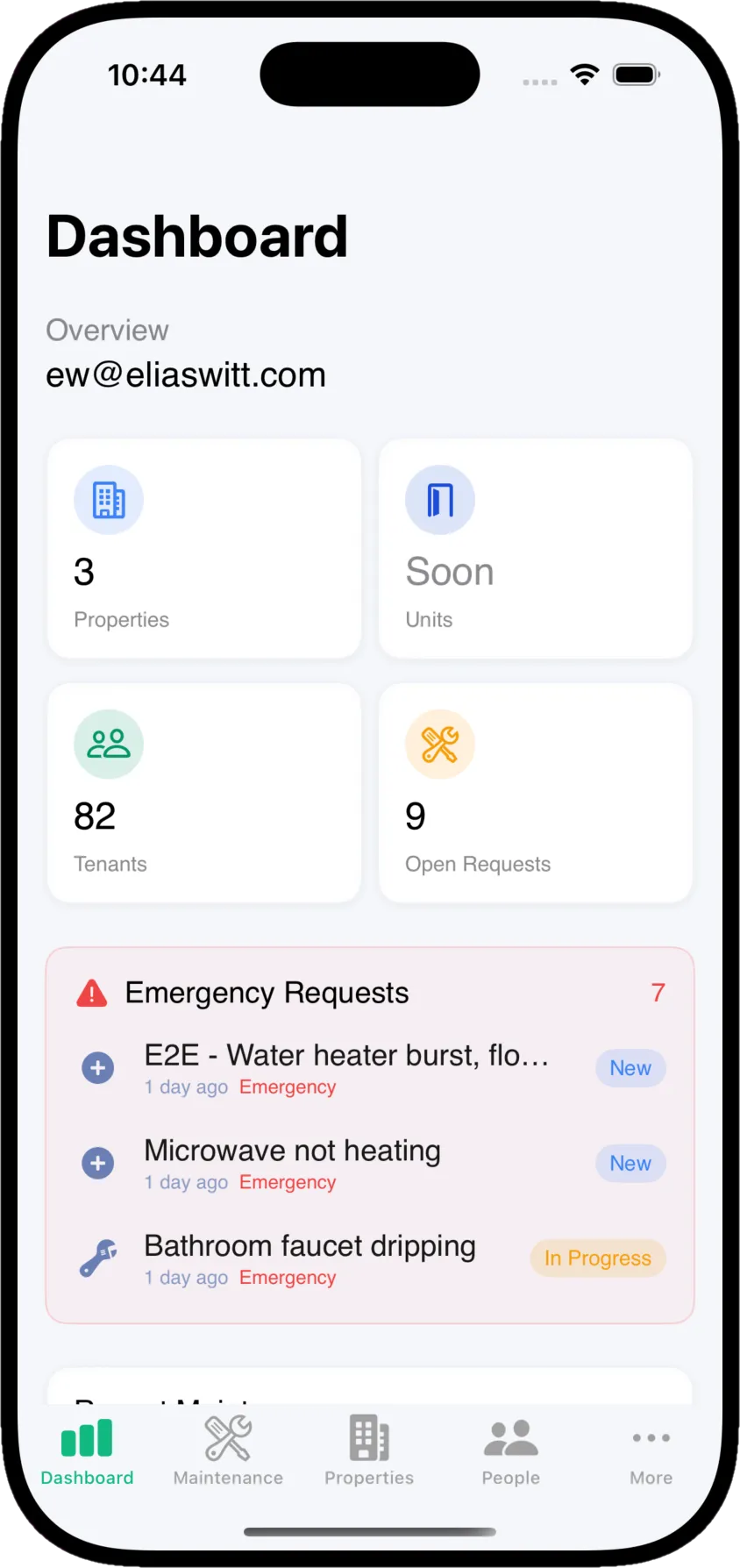
A real native app, available now on the App Store, that syncs in real time with the web dashboard. An Android app is planned.
Engineered for sub-second performance.
Kelpic® publishes its engineering targets: record lookups under 200ms, page loads under 1 second, login under 500ms. When you touch the software dozens of times a day, that adds up.
Dynamic Workspaces for reporting.
Create, save, and share custom reports across your organization — financial tracking and portfolio reporting without exporting to Excel. Learn more
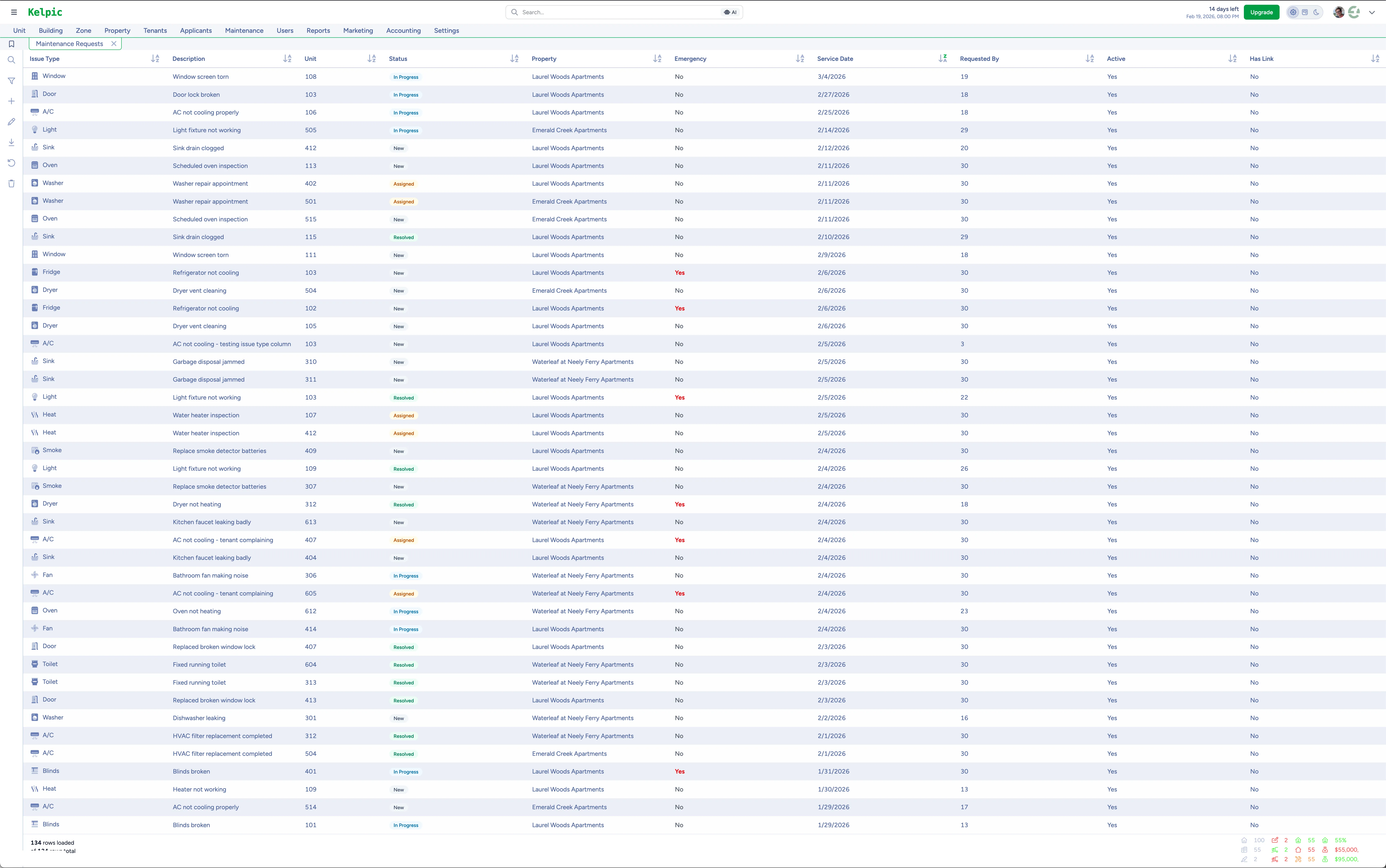
The maintenance workspace — every request, every unit, in real time.
Property Management System Pricing Without the Enterprise Math
No per-door rates, no monthly minimums, no implementation fees. One plan with a flat monthly price that scales with your portfolio.
One plan. Every feature.
Flat monthly price that scales with your portfolio — up to 2,500 units
- Online rent collection
- Real-time maintenance & inventory tracking
- Tenant portal & online applications
- Native iOS app included
Property Management System FAQ
What is a property management system?
Is a property management system the same thing as property management software?
What size portfolio needs a property management system?
How long does it take to set up a property management system?
Get a Property Management System That Fits Your Portfolio
You do not need an enterprise platform to run your rentals like a professional. Kelpic® gives you the core of a property management system — rent, maintenance, applications, portal, reporting — built self-serve for 1 to 50 units.
No credit card required · Prefer a walkthrough? Book a free demo
Not ready to start? Get product updates from the team.